



!

Understand how a computer features many components that work together
Understand the concept of input, process and output
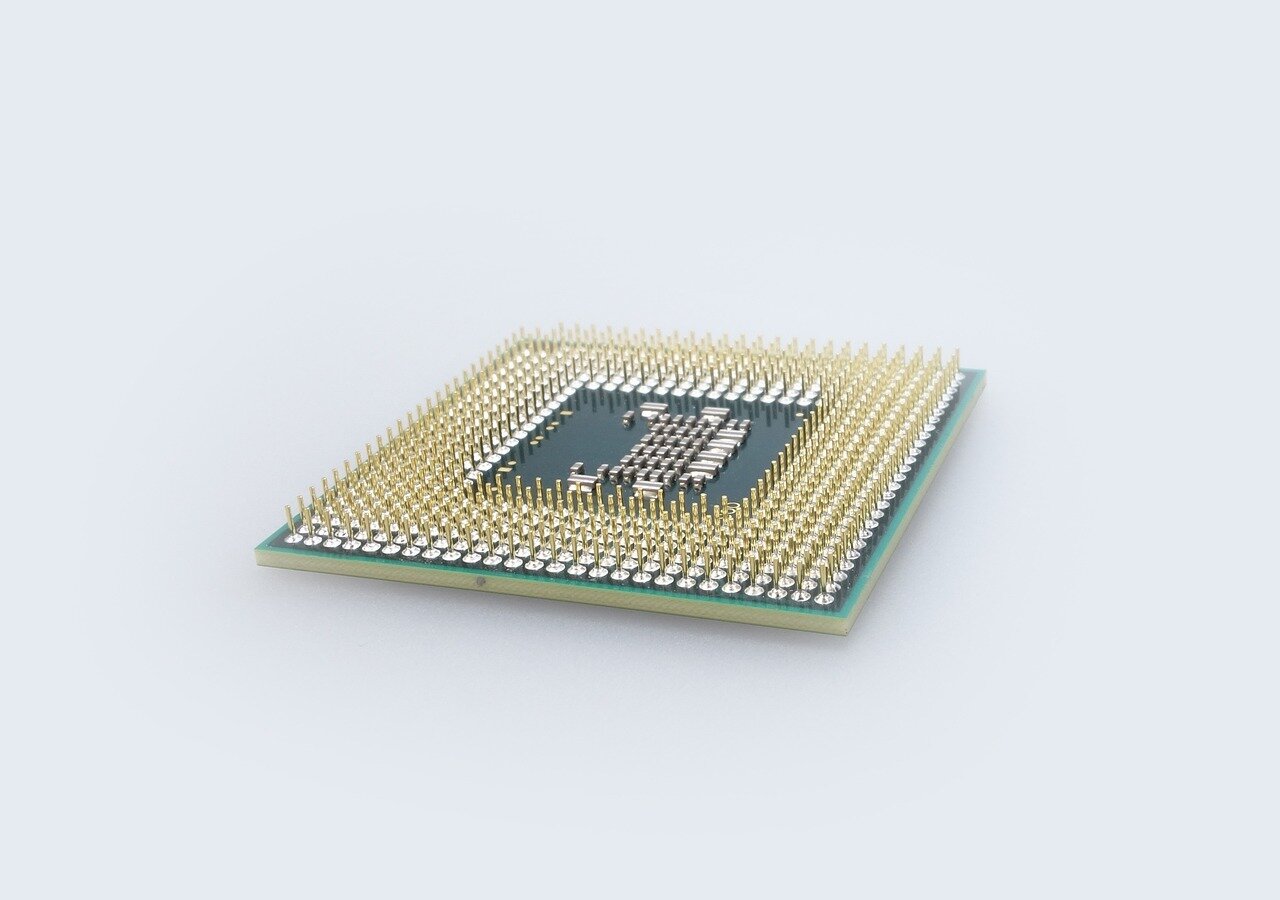
All computers feature one or more processors.
The main processor, also called a Central Processing Unit (CPU), is often considered the brain of the computer because it does all the processing of the instructions.
CPUs process billions/trillions of instructions per second.
CPUs that are common today are AMD Ryzen processors, Intel Core processors and Apple's A and M series chips.
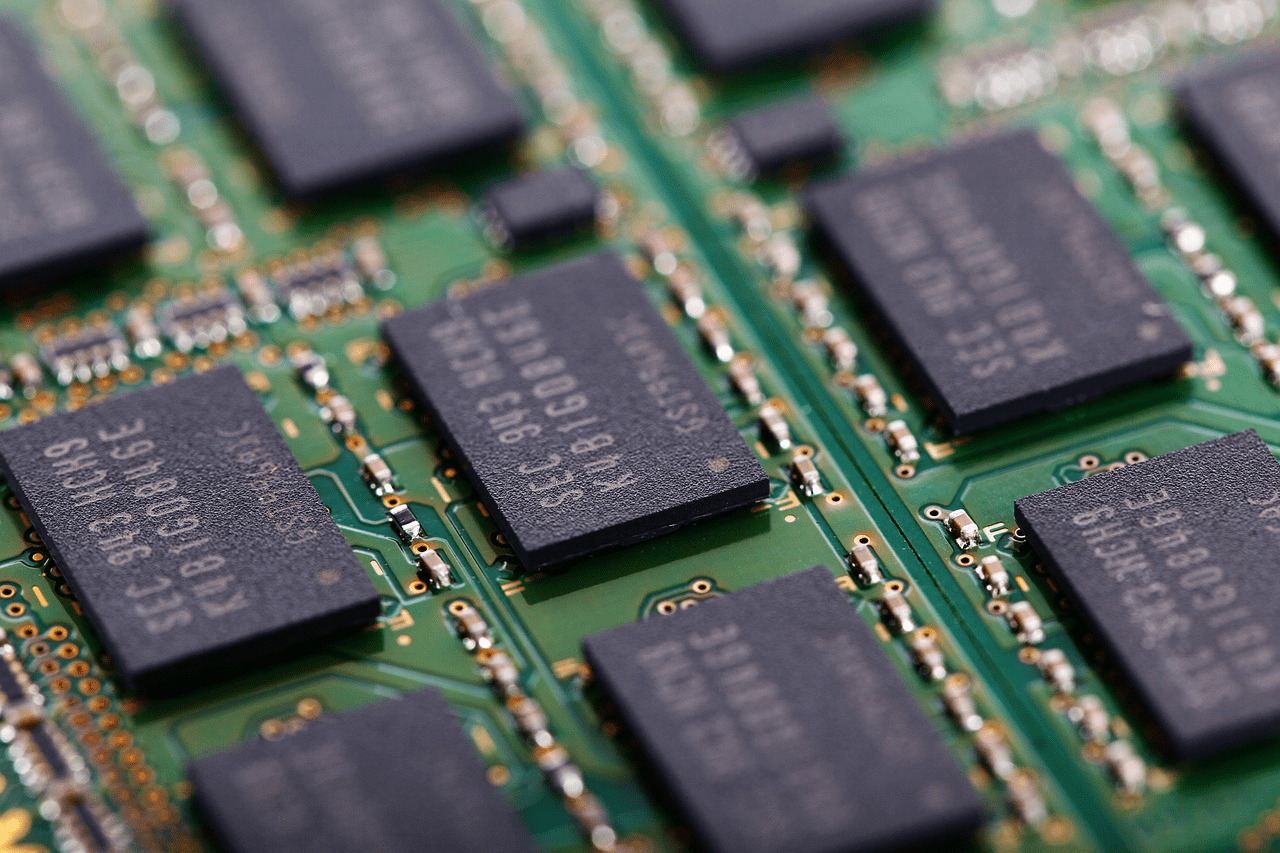
A computer uses memory to store things whilst it works.
There are two kinds of memory:
Random Access (RAM) - deleted when the computer is turned off
Read Only (ROM) - difficult to change, used to store data on how the computer starts up
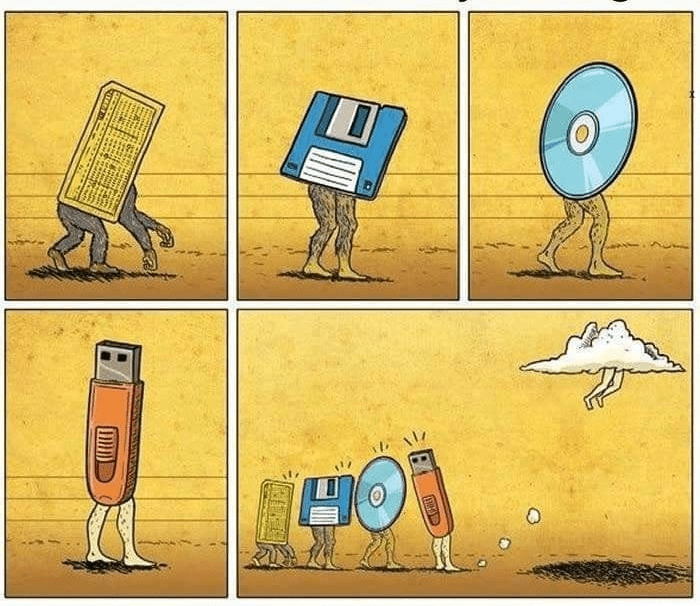
Memory is not the same as storage.
There are different forms of storage devices and they will be covered in more detail in later lessons.
Today there are two major types of computer storage devices in use:
Solid state drives (SDD)
Hard disk drives (HDD)
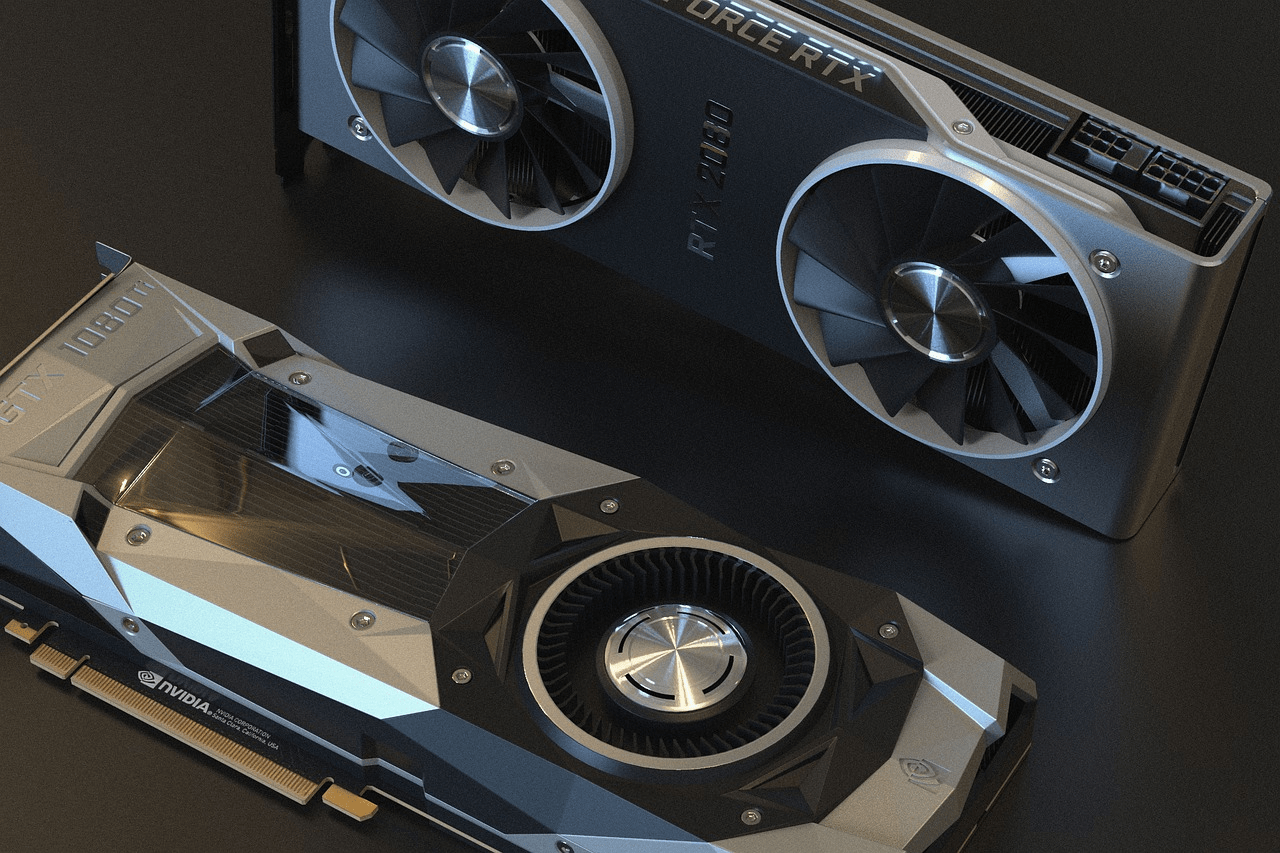
The GPU or Graphics Processing Unit is a fundamental part of computers today.
Since all systems today have graphical user interfaces (that is, ;you can click on things), they require a processor capable of processing graphics.
Today, most CPUs feature a built-in GPU and some computers also feature a dedicated (discrete) GPU.
GPUs are made by AMD (Radeon), Nvidia (GeForce) and Intel (Arc).
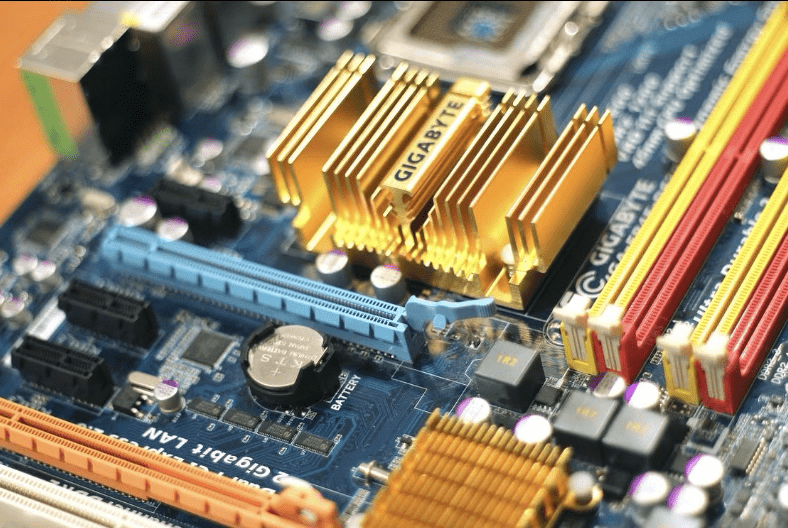
The motherboard connects all of the parts of the computer together.
You'll find loads of small integrated circuits that carry out specific jobs such as a USB controller, a sound card or even a voltage regulator.
On a modern desktop motherboard today, you'll find several PCI Express connectors, a CPU socket, two to four DIMM slots, a 24-pin ATX power connector, an 8-pin CPU power connector, several external ports, internal drive connectors and at least one M.2 key slot.
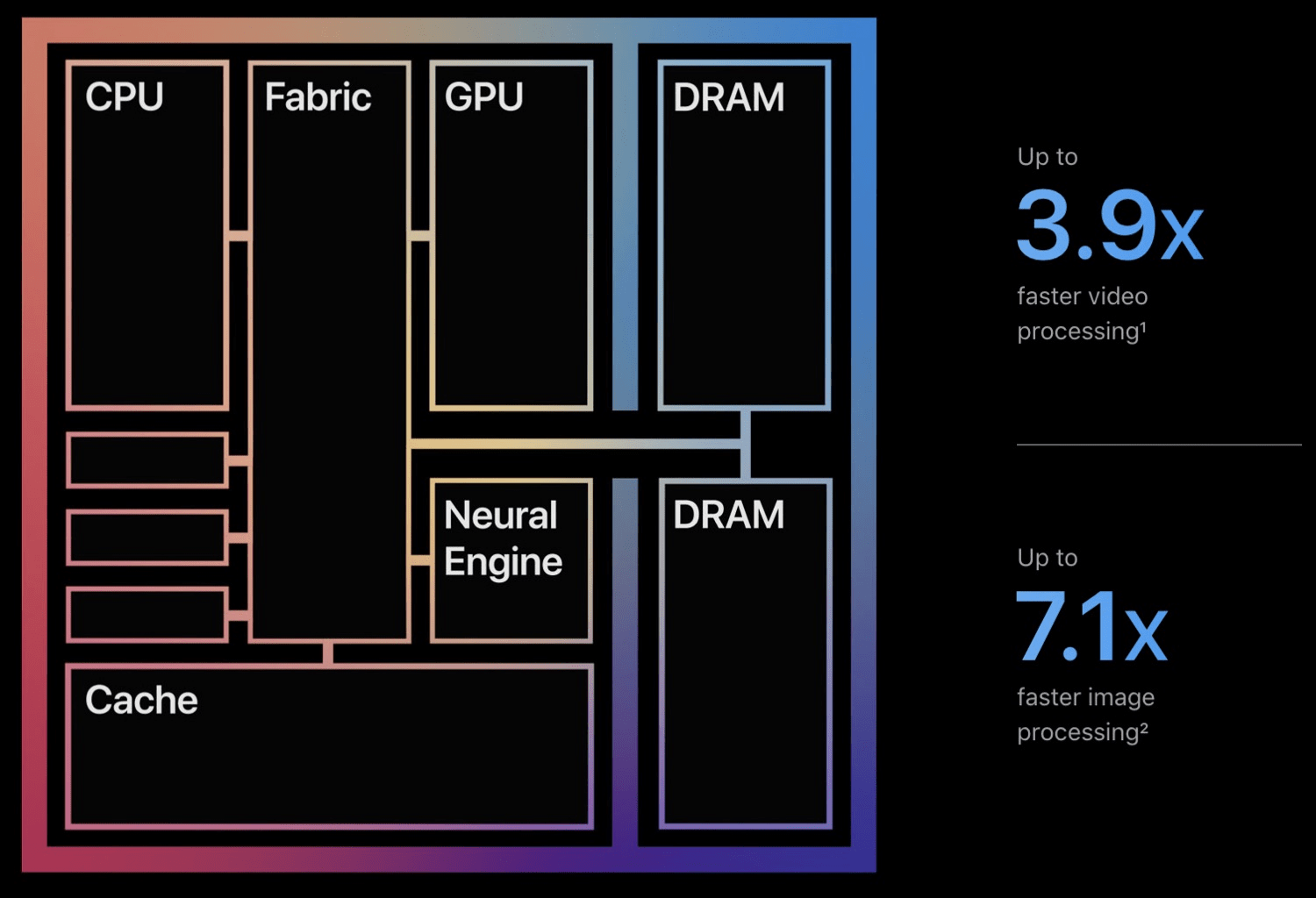
Some computers bundle several features onto the central processor.
Features such as the CPU, a USB controller, a GPU and RAM can be packaged into one processor and are known as a System-On-A-Chip (SoC).
This is part of why Apple's M processors are so fast - everything is in one place.
Computers require something to happen to allow them to process. They aren’t smart like humans and await an input before they do anything.
What they give us back is called the output.
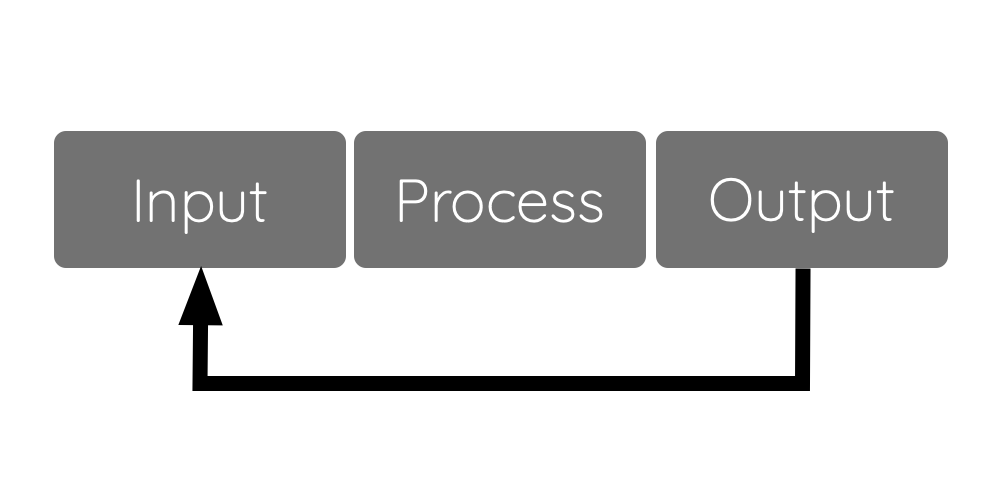
What they do to give us the output is process the input – hence Input Process Output or IPO.
The cycle is often represented in a block diagram.
Notice the arrow at the bottom going from output back to input. This is because often the output of one process is actually the input to another.
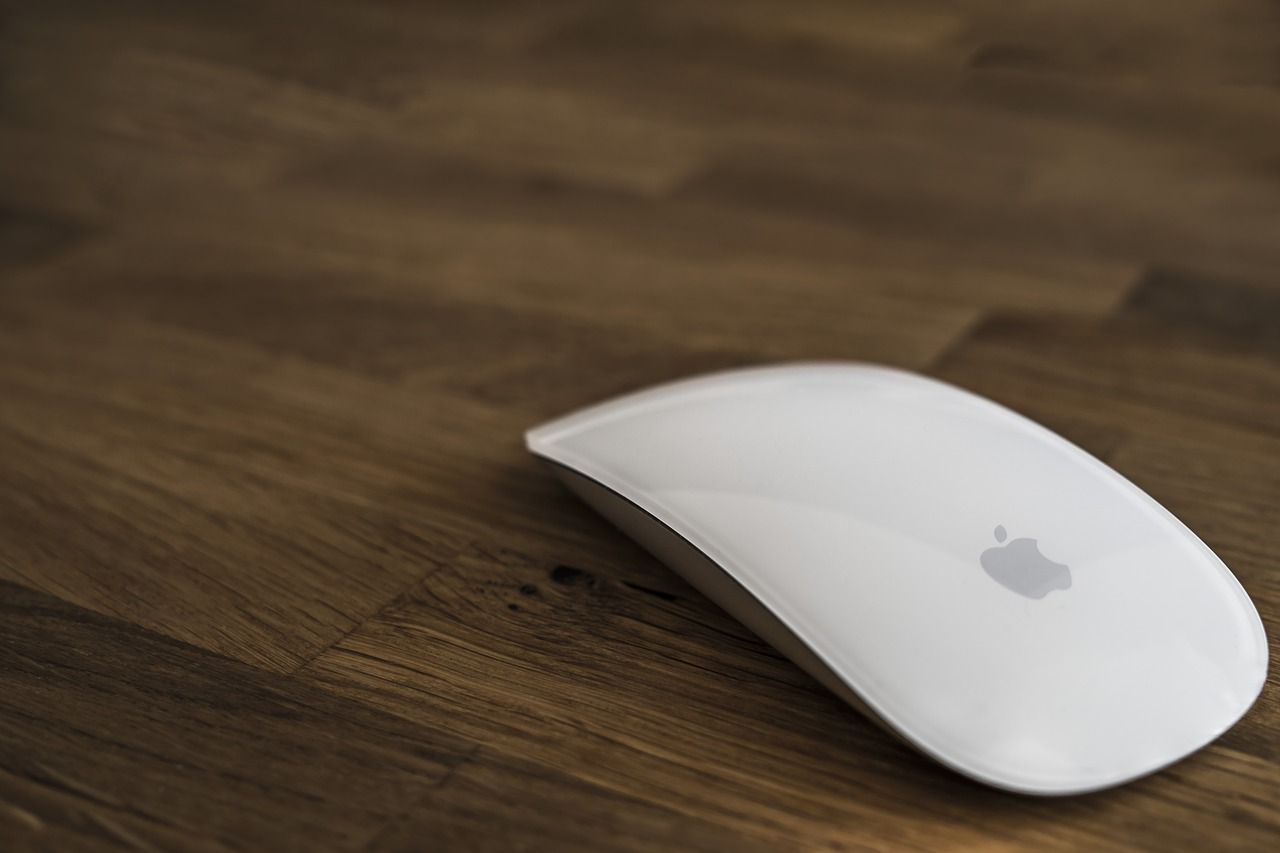
There are many methods of input to a computer system. We call devices that provide an input, input devices.
Anything that provides the computer with data is an input device.
When data is processed, it is passed through a processor like the CPU, GPU or NPU.
This processor knows how to handle the data as it reads instructions from the memory.
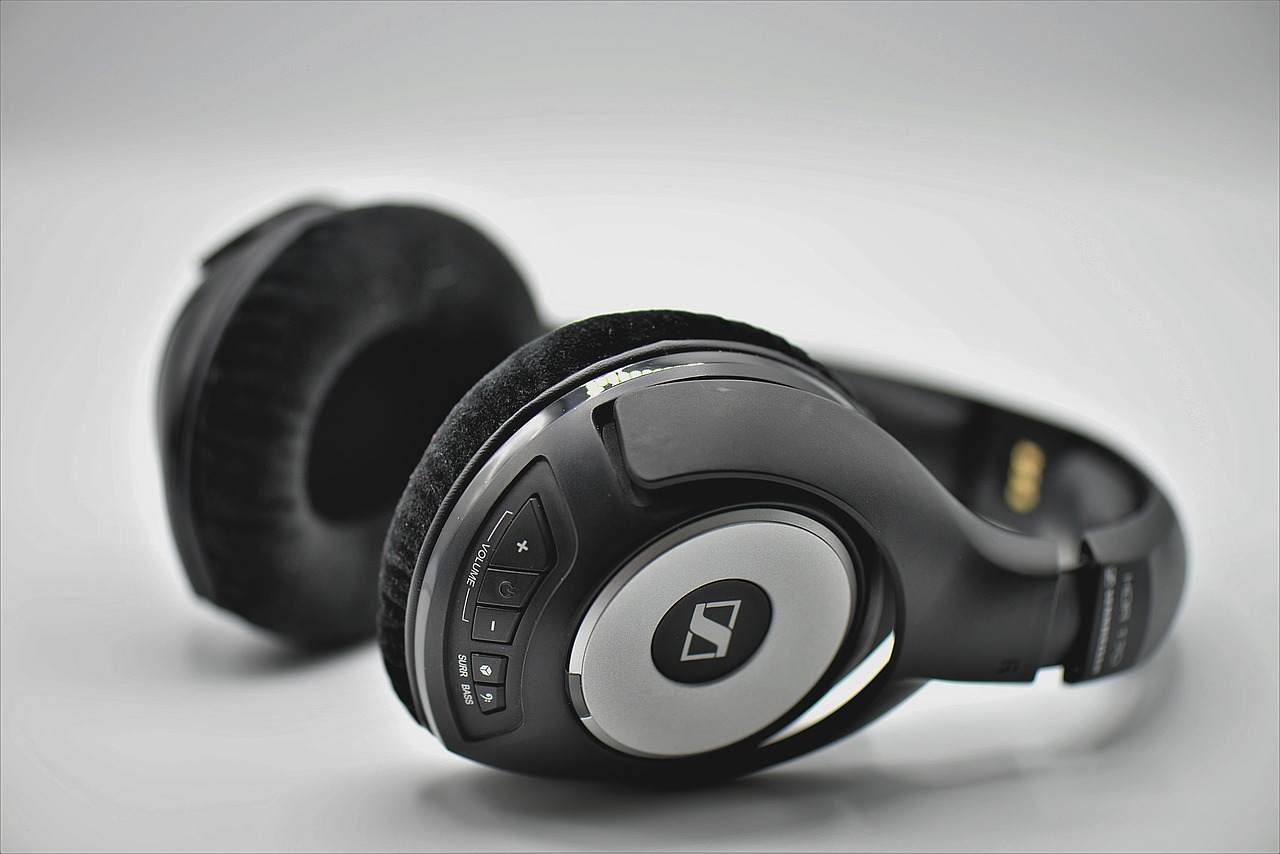
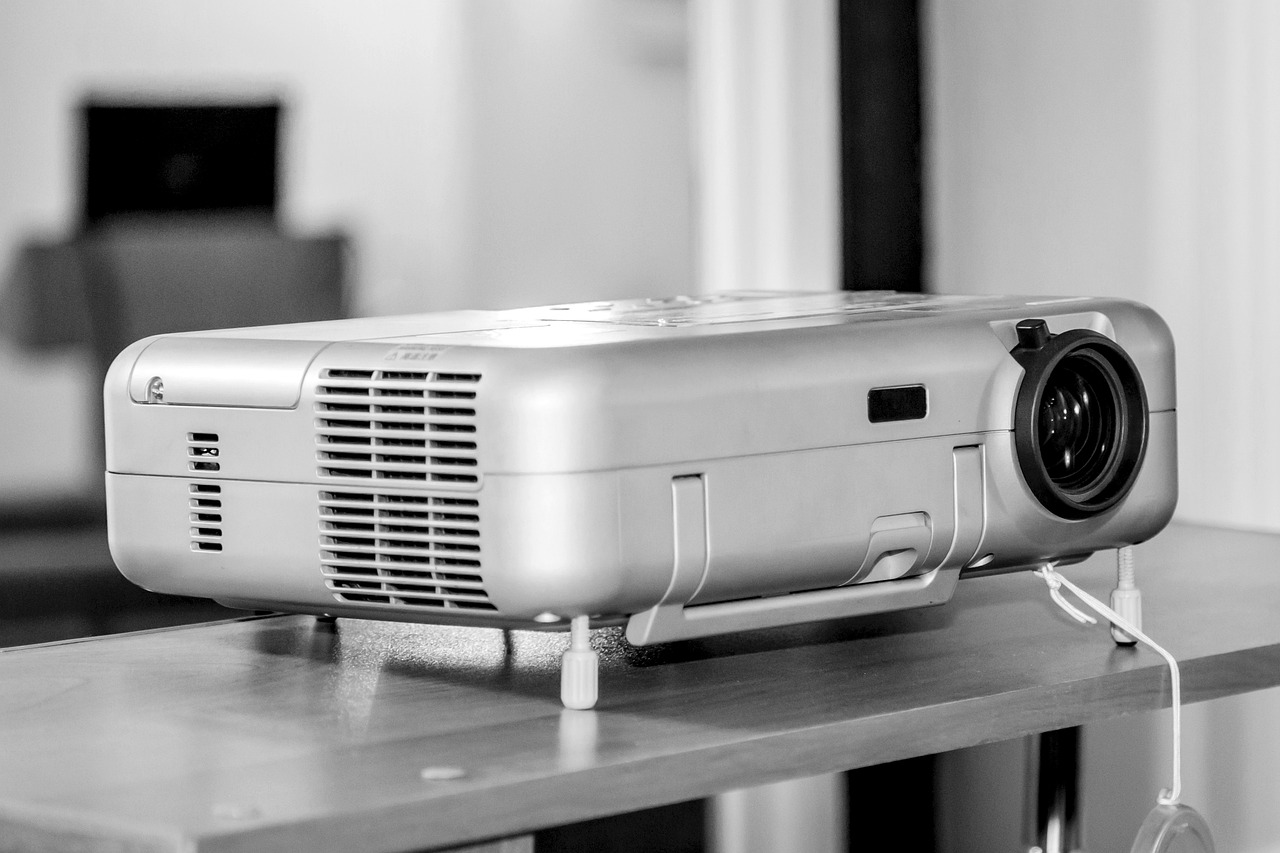
An output device gives the user back some data. The data will have been processed. Data could be:
What is displayed on the monitor
A sound from the computer
A vibration on a controller
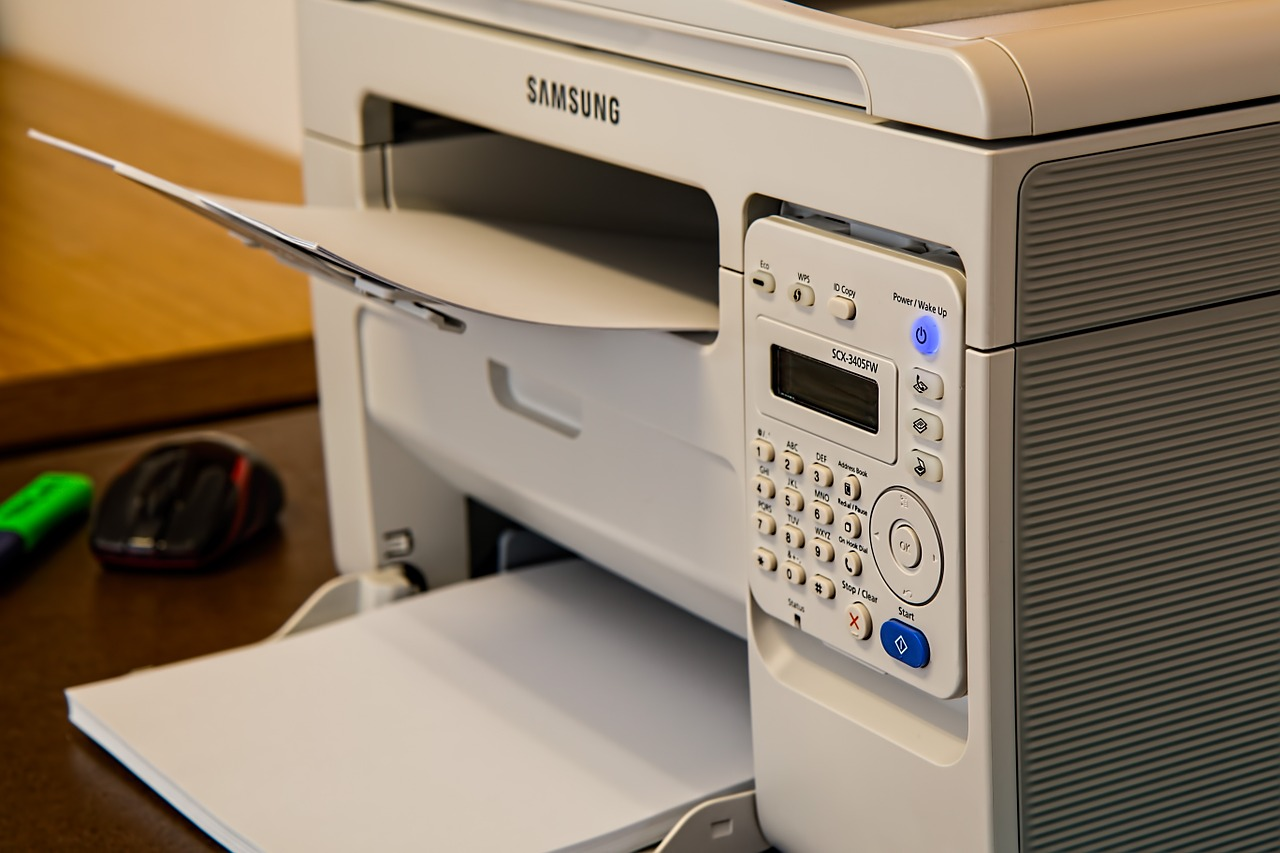
A page printed using a printer
Build your own computer! Go to S3COMPUTERCOMPONENTS.
The following are key shortcuts for using DragonSlides and reveal.js.
| Key combination | Action |
|---|---|
| →, PAGE DOWN, SPACE | Next slide |
| ←, PAGE UP | Previous slide |
| SHIFT + → | Last Slide |
| SHIFT + ← | First slide |
| B | Whiteboard |
| W | Widget Board/White Screen |
| C | Toggle Notes Canvas |
| DEL | Clears Whiteboard/Notes Canvas |
| S | Show Presenter Mode |
| SHIFT + D | Toggle Dark Mode |
| H | Goes to the Home Slide |
| META + P | Show Print options window |
In order to use the 'Start Remote' feature, you'll need to download JB Slide Controls from the Apple App Store. Once you have this you'll be able to control the slides using the app from you Apple Watch.
DragonSlides and jamiebalfour.scot are copyright © Jamie B Balfour 2017 - 2024, 2010 - 2024. Content is copyright © Jamie B Balfour